
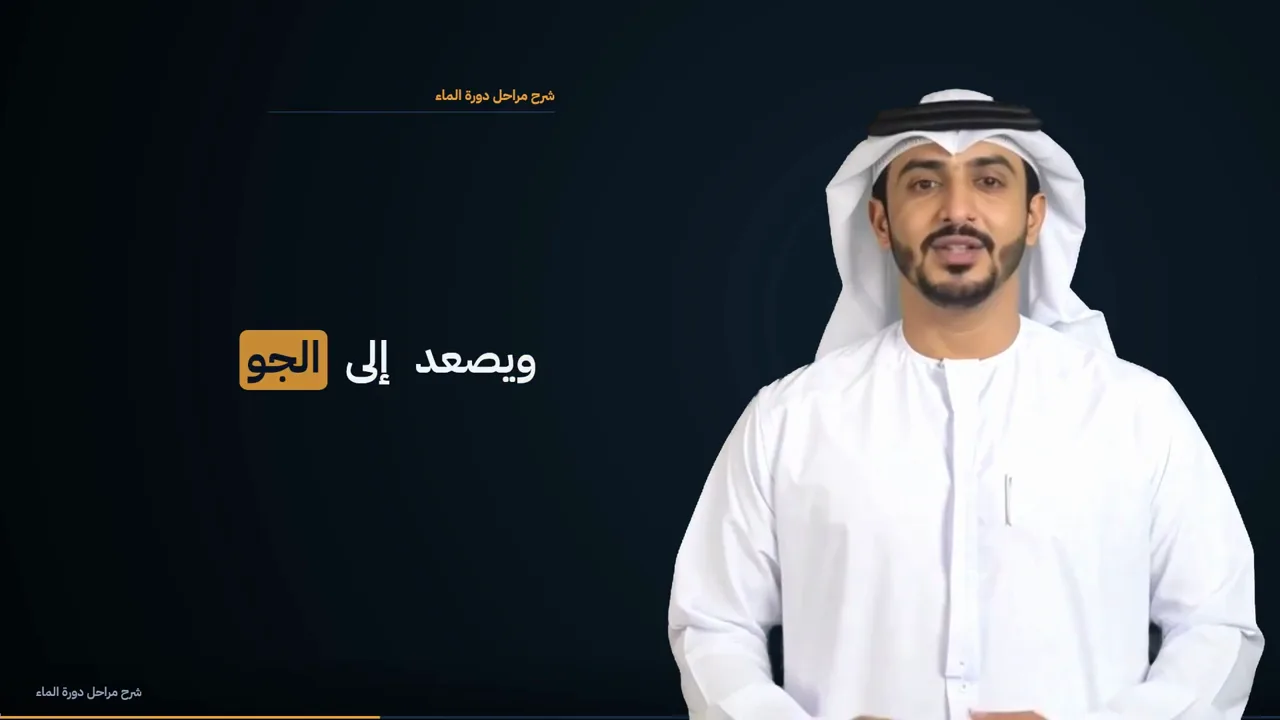
Every part of a produced lecture, from one recording
An ordinary recording goes in; a finished lecture comes out, with everything below in it. Every feature on this page is shown in one lecture Moallem produced, unedited.
The same seconds, before and after
Drag the divider, or play both. On one side the recording as it was made on a green screen; on the other the same seconds in the finished lecture.
Each feature, in the film itself
Choose a feature to play exactly that part of the lecture. Nothing here was edited by hand.
The lecture's title, the course, the module and the lecturer, in your institution's look and with its name.
An honest note: the lecturer and his voice in this demo were generated with AI from a written lesson, so that no real person's face or voice is used. Everything else — the cut-out, the slides and diagrams, the captions, the opening and closing cards — is Moallem's engine output, unedited.
Also in every lecture
Some of this does not show in a short demo, but every lecture gets it.
Sound clean-up
Room echo, air-conditioning hum and uneven levels are fixed before anything else is built on the audio.
Pictures and clips for the sentence
Where a picture helps, a photograph or a short clip is made for that exact sentence, following the content rules for the region.
Slides that follow the lecturer
Headings, lists, definitions and comparisons, drawn from what is said, appear on the word that introduces them.
Quick checks
In a longer lecture, short questions are placed at the end of a chapter, written from that chapter only.
Captions, transcript and chapters
Every film comes with its caption file, the full transcript and chapter markers, ready for your learning platform.
Every caption checked
The finished film is transcribed again and compared with the source, so a caption that drifted from what was said is caught.
Your special words
Names, terms and spellings you list are used when the lecture is transcribed and planned, in Arabic and in English.
Your institution's name and logo
Set once in the app, carried on the opening and closing card of every new lecture.
One workspace for the team
Invite colleagues to the same workspace, so lecturers and the media team work on the same projects.
Visuals that respect where they are shown
Pictures follow editorial standards written for the Gulf, and they are part of the plan you see before anything is made.
Arabic and English
Each language transcribed, captioned and titled properly: Arabic right to left, English left to right.
You approve, Moallem never publishes
You check the plan and the exact price before anything is made, and approve the film before students see it.
Four steps
Upload a recording
Lecture capture, a video call, a classroom camera or a phone. A green screen is optional.
Check the plan and price
See the shot plan and the exact cost, and change what you want, before anything is made.
Moallem produces it
Sound, cut-out, visuals, captions, cards and checks, in a fixed order, with every caption verified.
Approve and publish
Download the film with its captions and transcript and upload it to your learning platform.
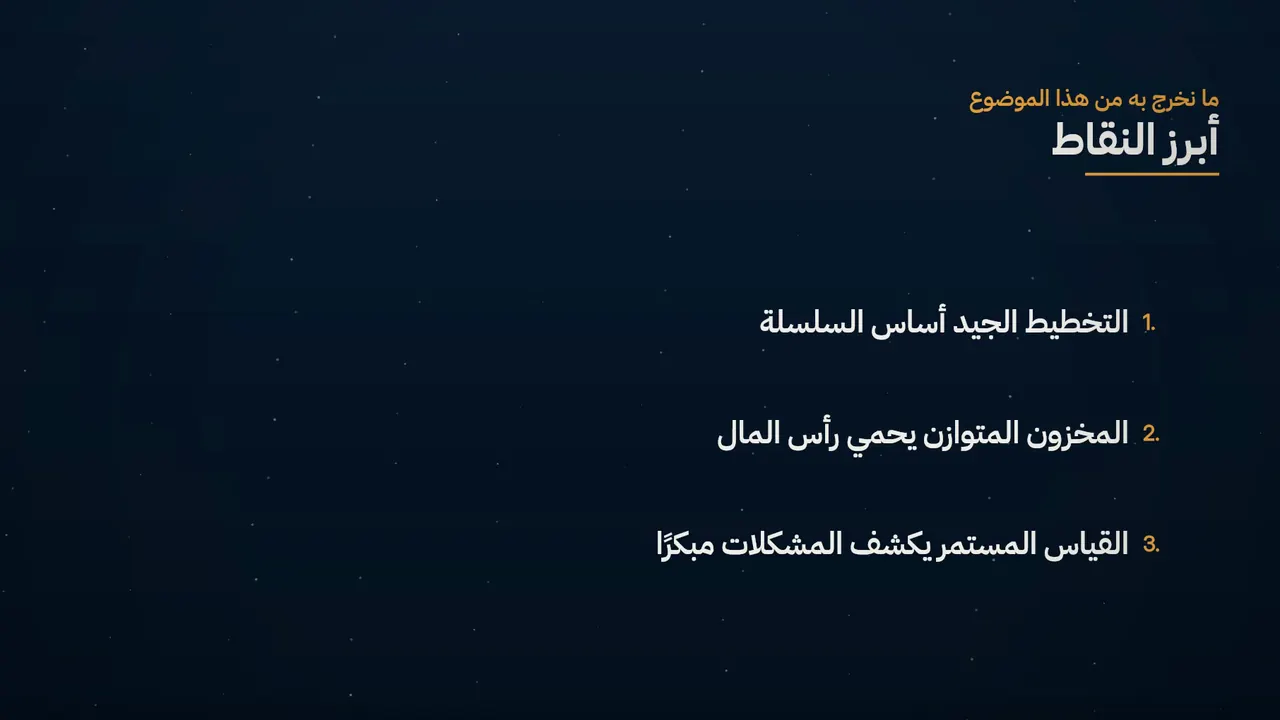
Try it on one of your lectures
Tell us about your programme. We arrange to receive one recording you already have, produce it, and send it back for you to judge.
- You send
- One recording
- It costs
- By the minute: see the price list
- We reply
- Within one working day